


Newcomer Guide

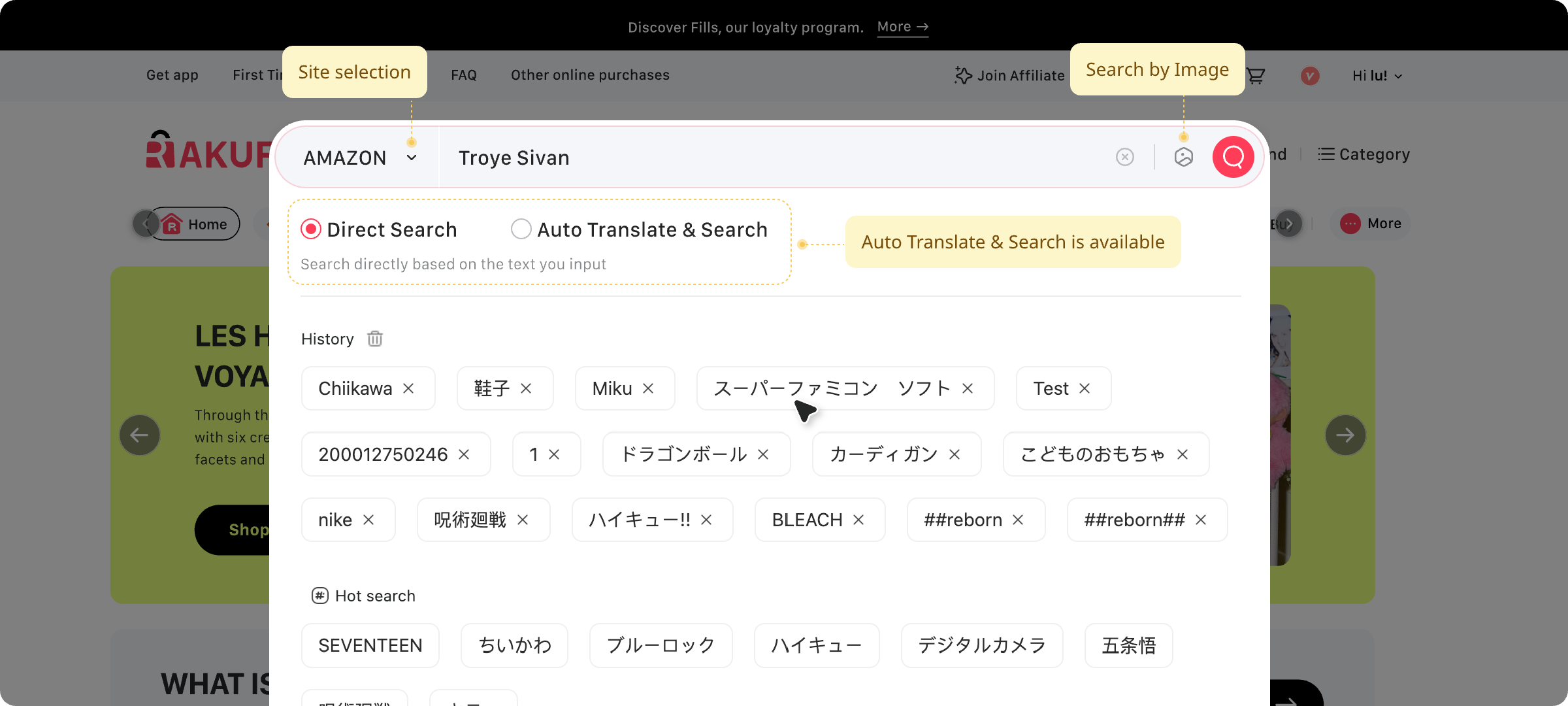
01. Search Bar
Enter the name of the items in the search box on the homepage.
(You can switch the search language between Japanese and English by clicking the button. Either language is Both language is available for the search!)
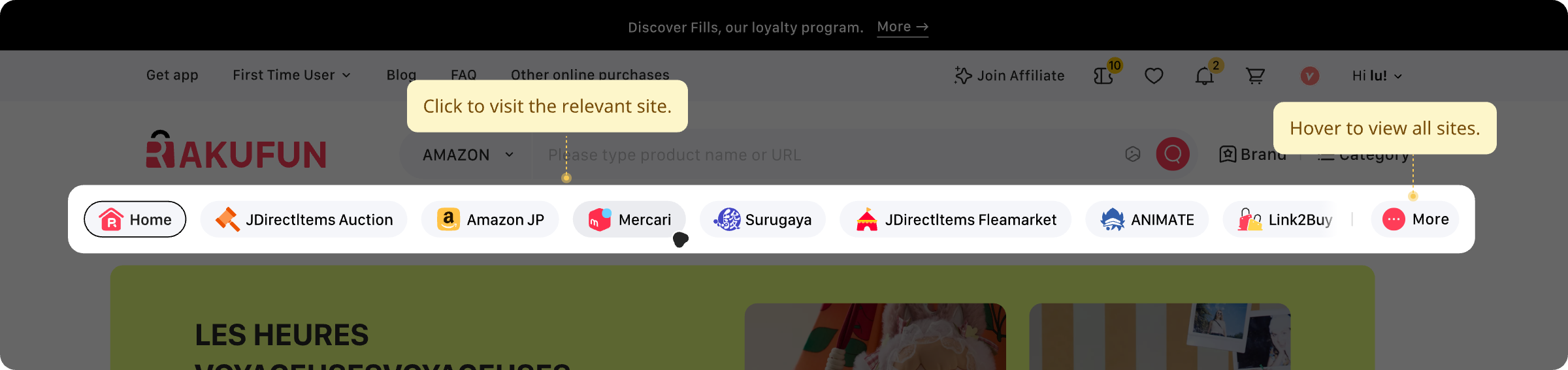
02. Available Sites
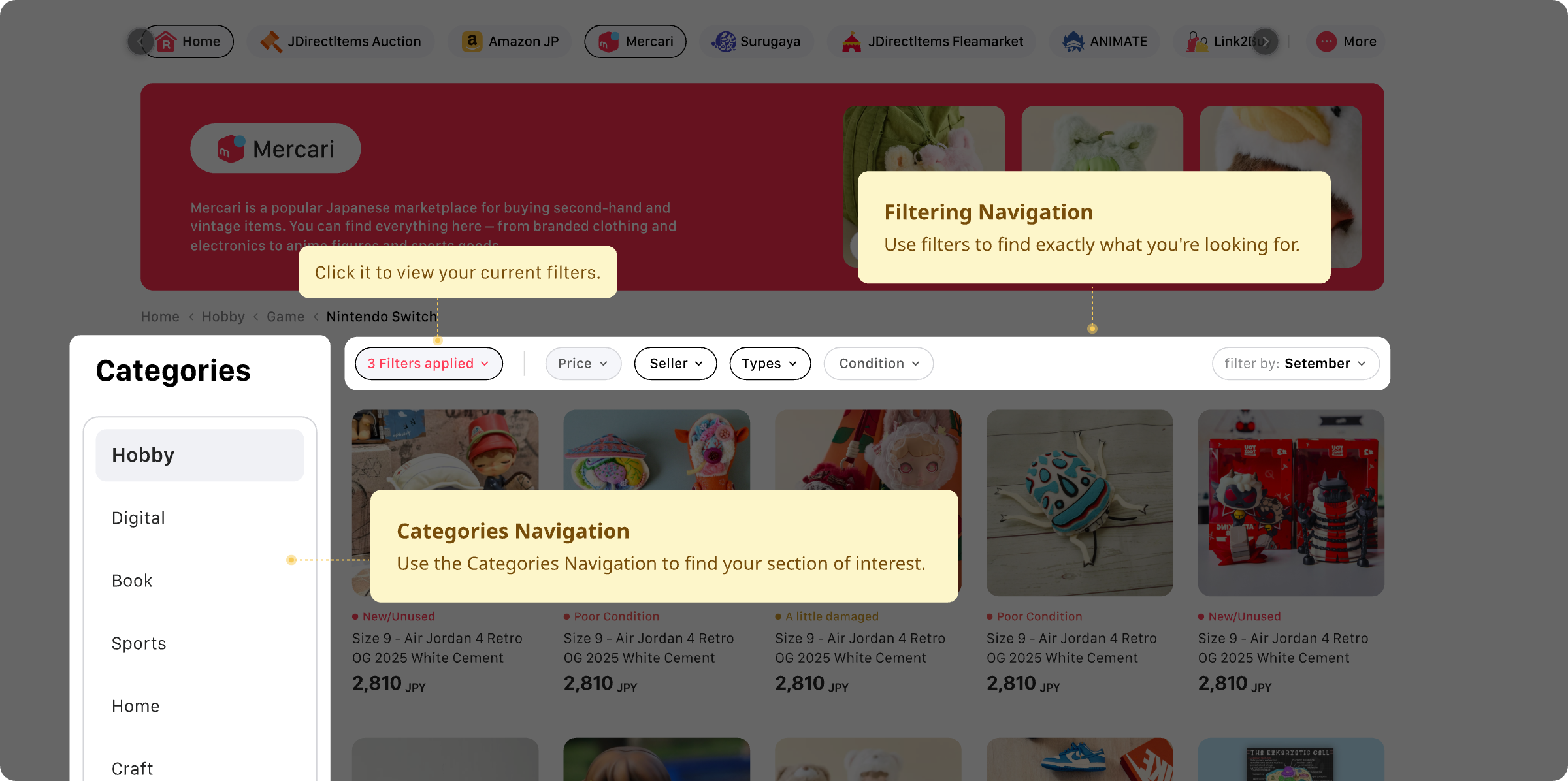
Lots of adorable items are waiting for you! You can switch the site below, and you can also find your favorite one by using different sorting methods!
03. Product Details Page
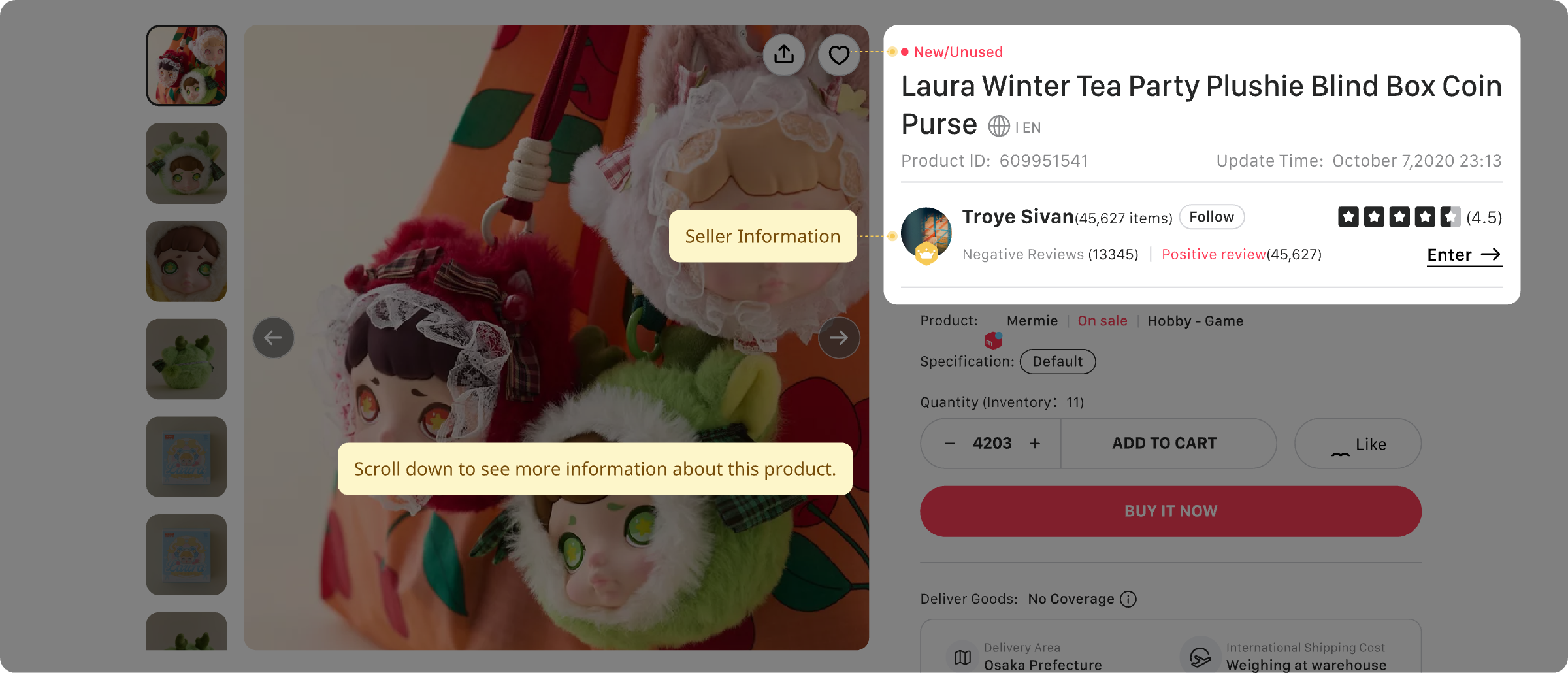
When cheking the product detalils, you can find information such as the product ID, domestic transit in Japan, the estimated shipping date, and the prodluct status on the product page.
*Attention: Make sure to carefully read the product details and the seller's profile!
04. Shipping Fee Calculator
The Shipping Fee Calculator is a tool that you can estimate the shipping costs of your packages before placing an order. By entering details like package weight and Transshipment Destination, you can quickly calculate the applicable shipping fees.
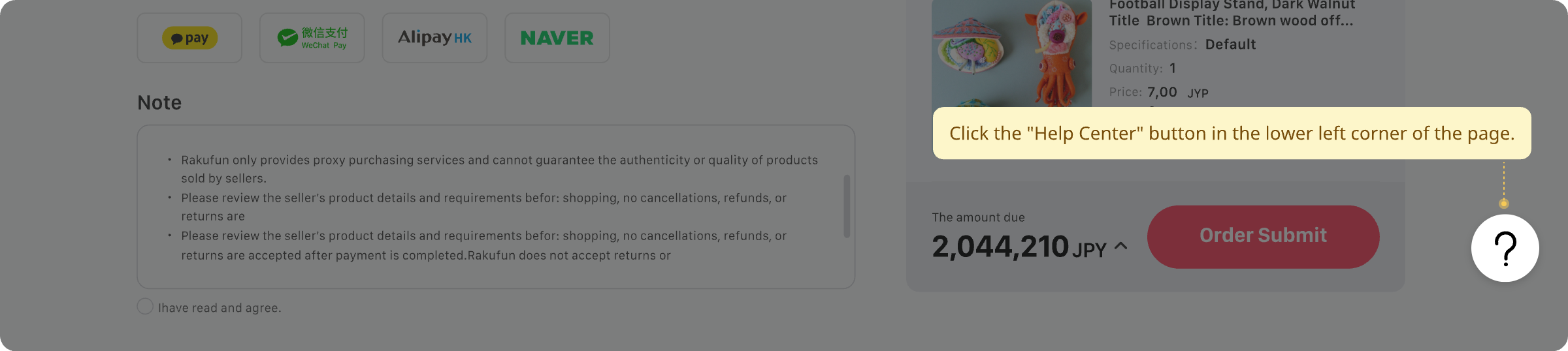
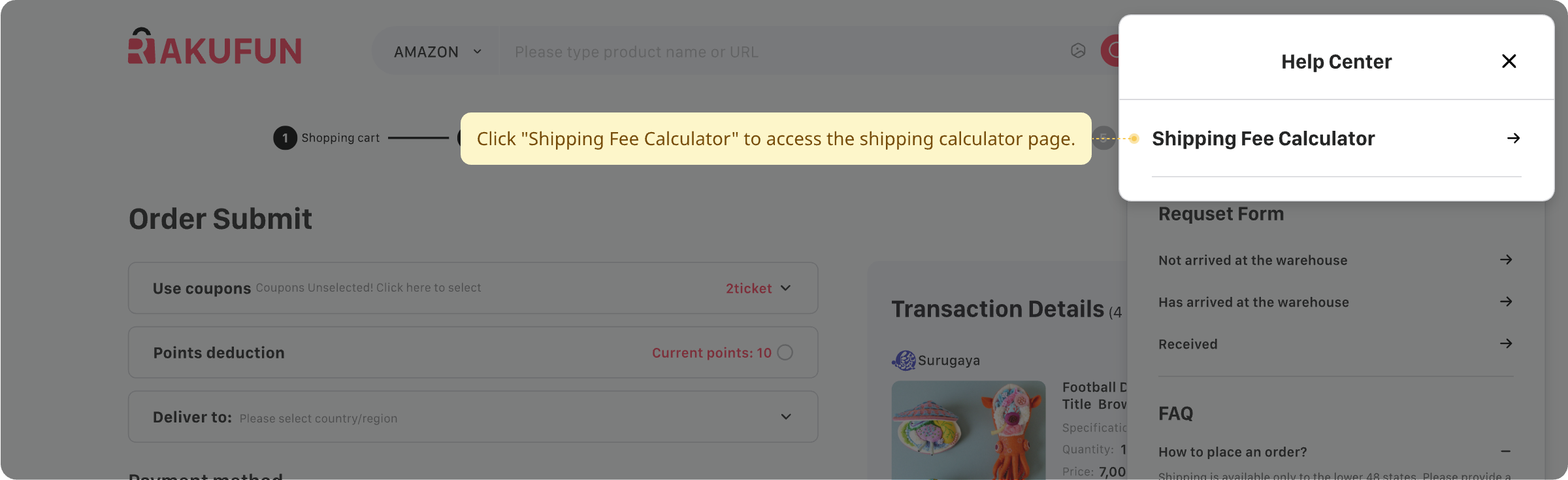
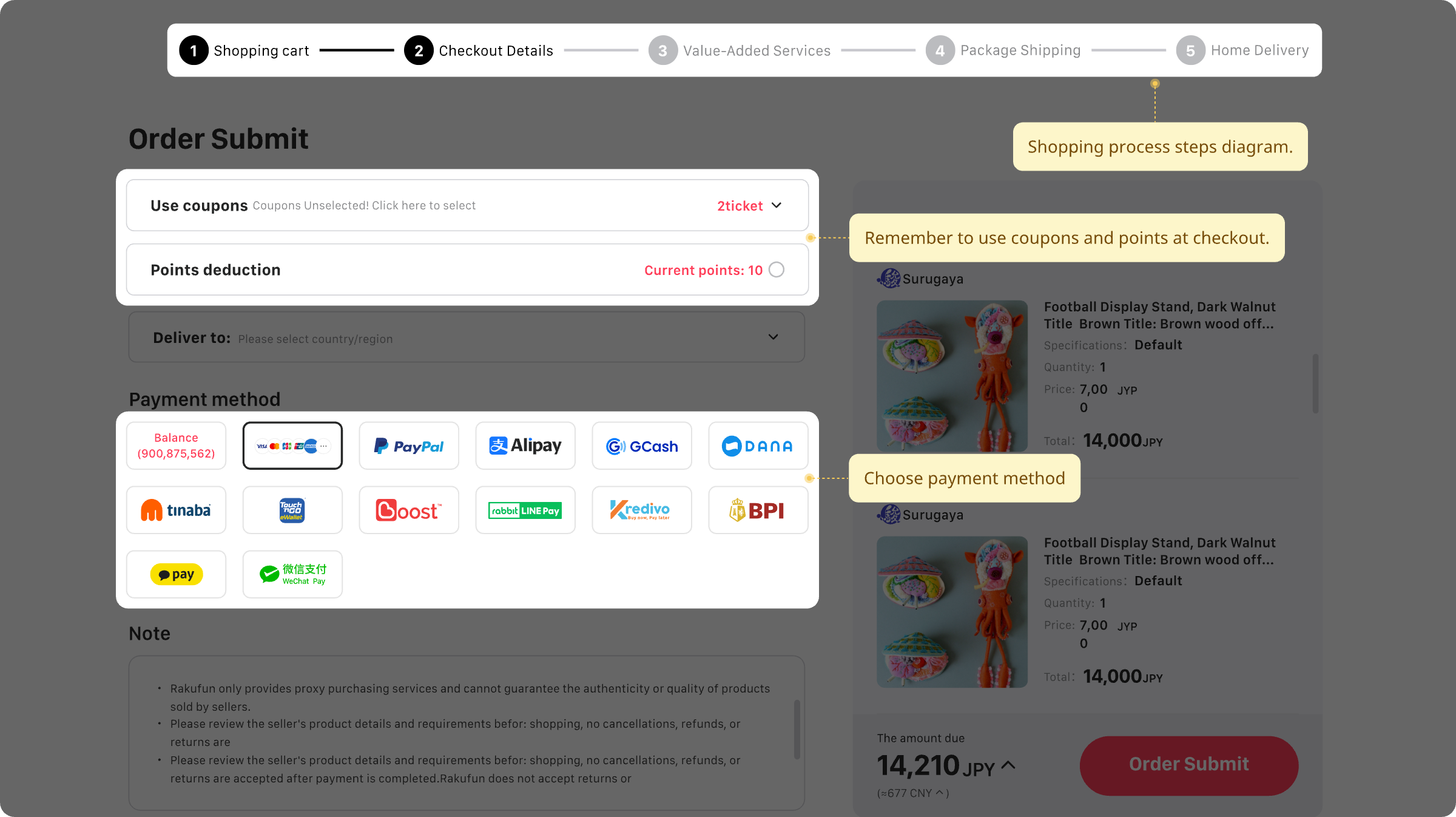
05. Order Confirmation
When making the payment for the purchase, you can choose different payment methods. Don't forget to select the coupon!
06. Awaiting Stock Arrival
After the payment is completed, just patiently wait for the product to arrive at the warehouse!

01. My Order
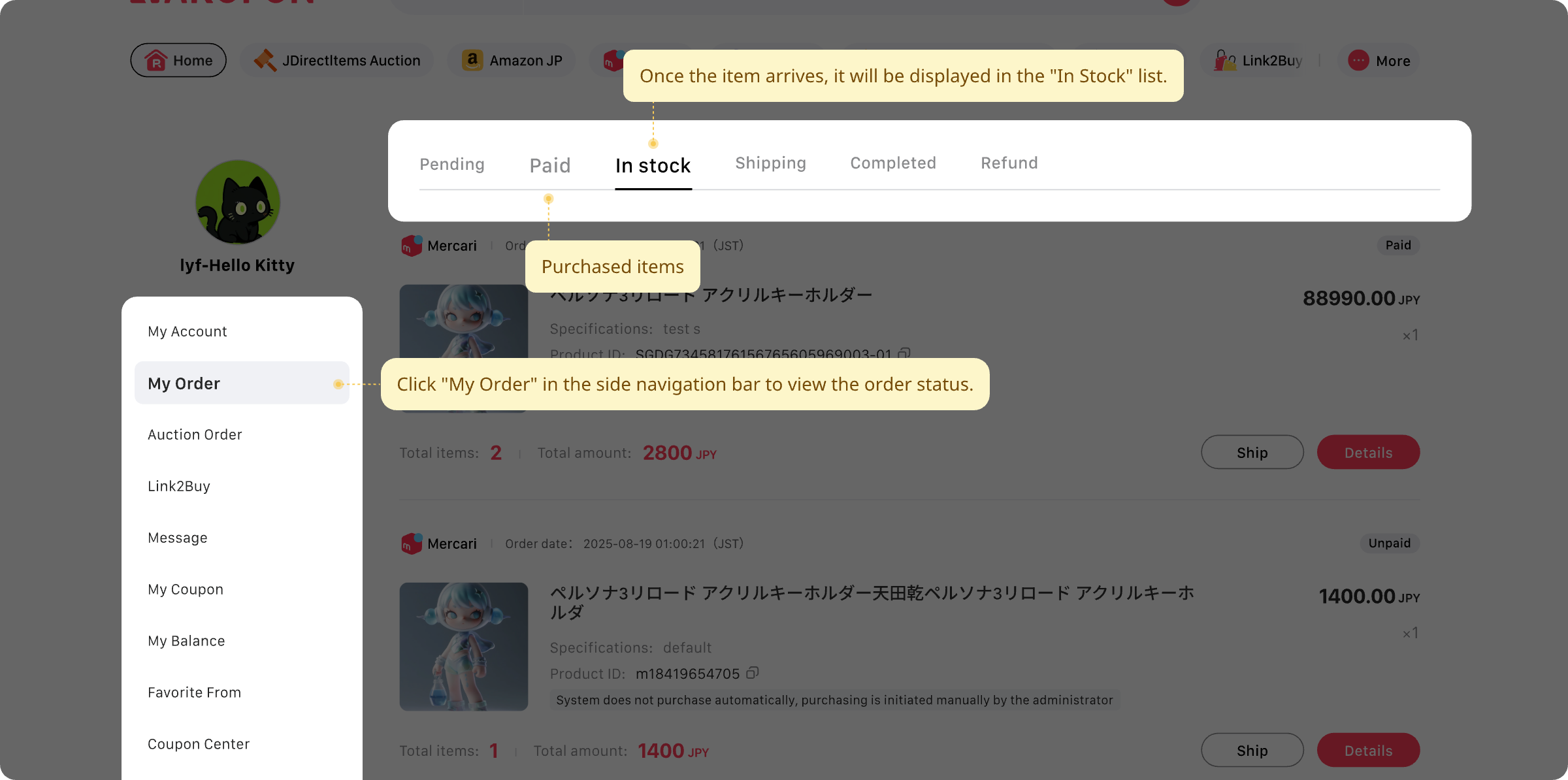
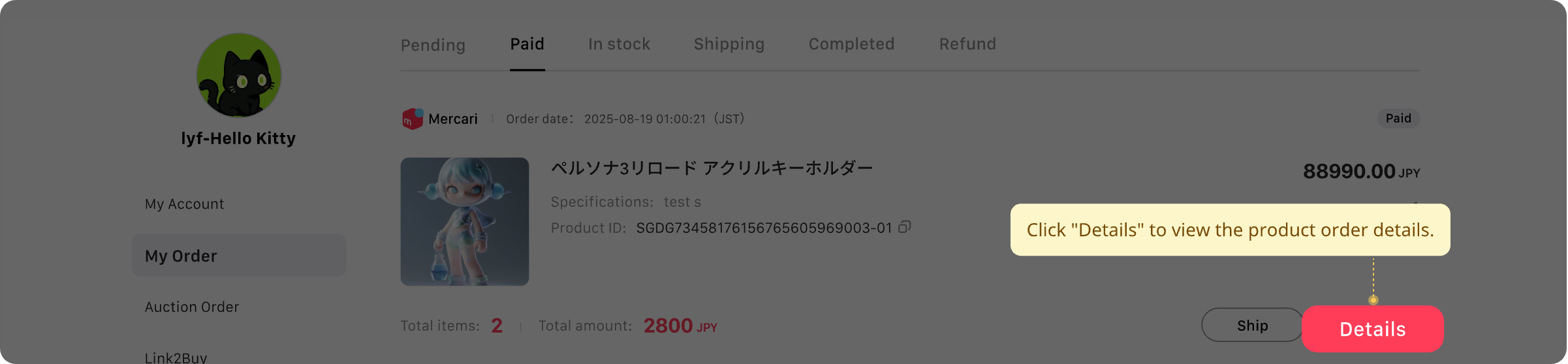
After completng the payment, you can find the products you purchased in Account > My order > Paid. Once the products arrive at the warehouse, they will be displayed in In stock.
We will also send you an email notification.
02. Details
Click on "Details" and you can view the order details of the products you bought.
03. Product Details Page
When checking the prodluct details, you can find information such as the product ID, domestic transit in Japan, the estimated shipping date, and the prodluct status on the product page.
*Attention: Make sure to carefully read the product details and the seller's profile!
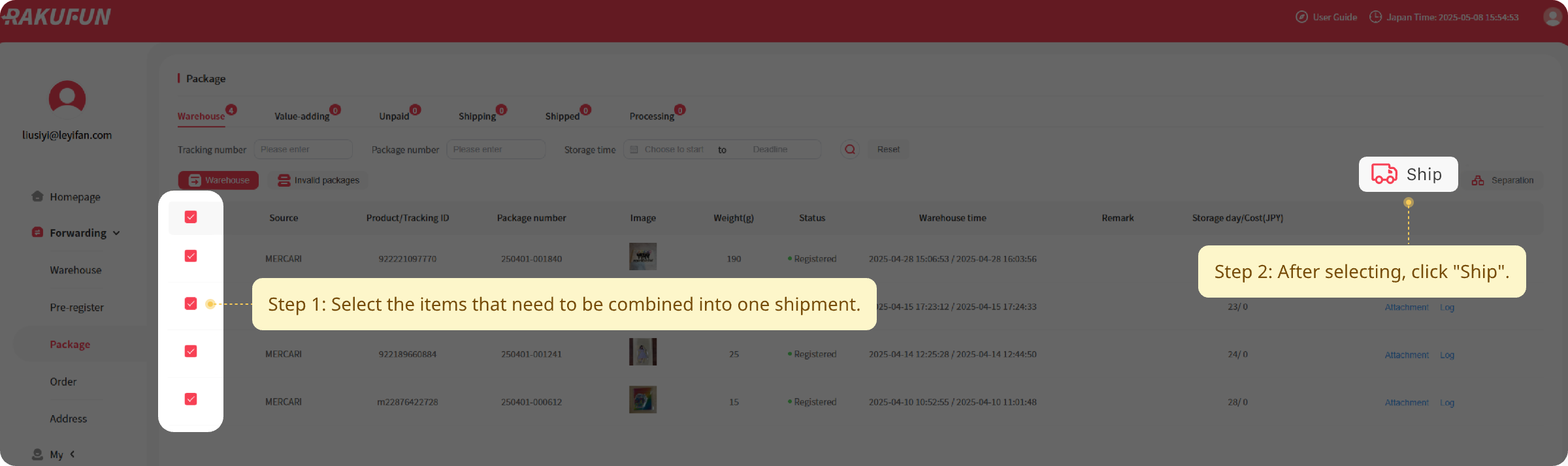
04. Fill out the application
Select the shipping route you prefer, the value-added services, fill in the declaration, confirm and submit the shipping application. The warehouse will process it in order after receiving your shipping application.
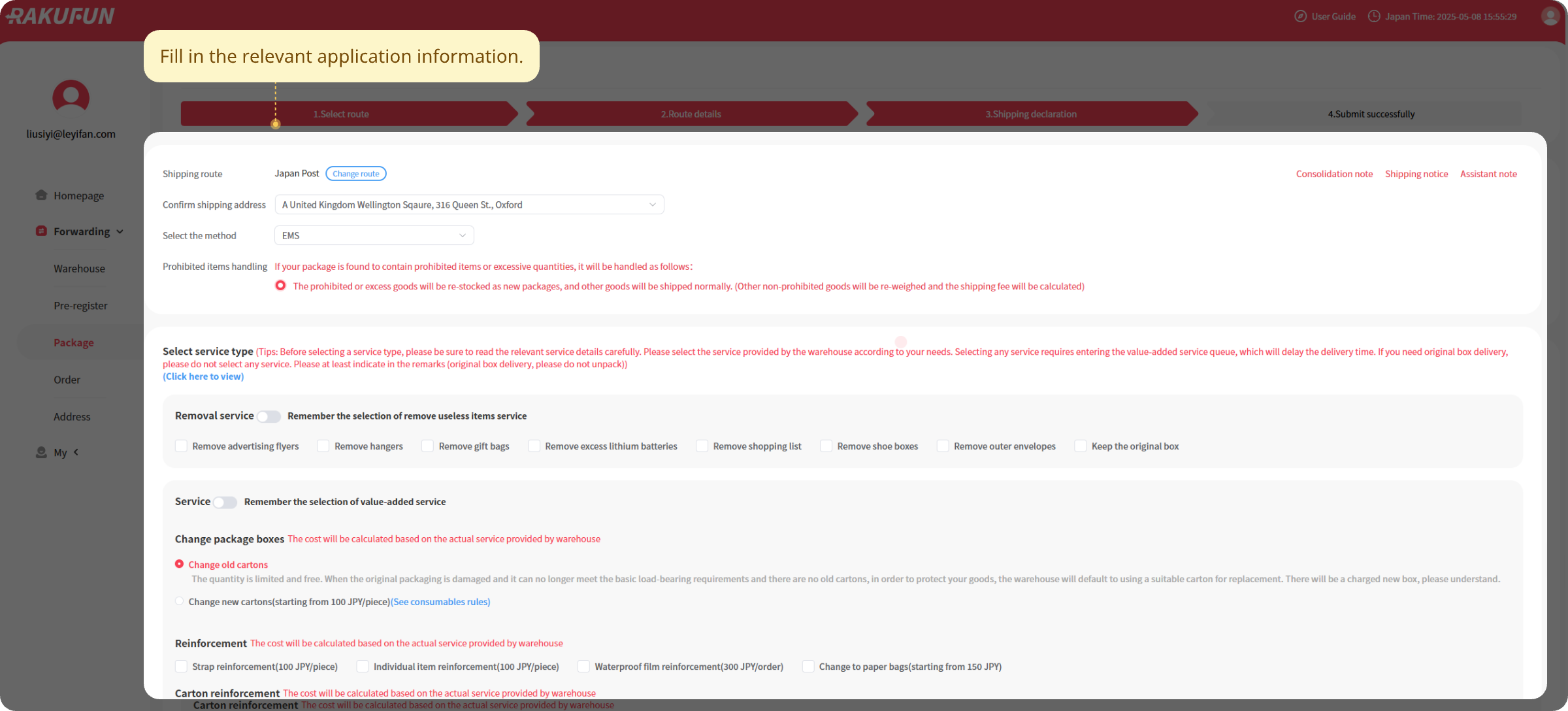
05. Confirm information and make payment
After the processing is completed, we will send you an email to notify you of the payment. You can make the payment after confirming that everything iscorrect, and then you can wait for your purchased items to arrive!
06. Insurance & Claim